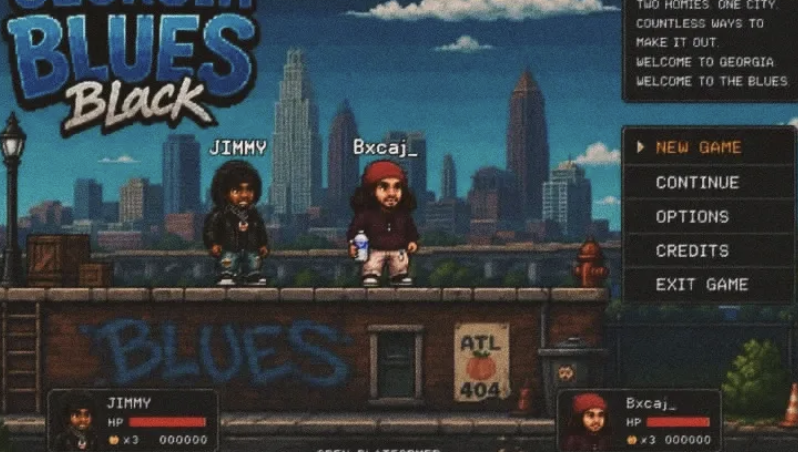
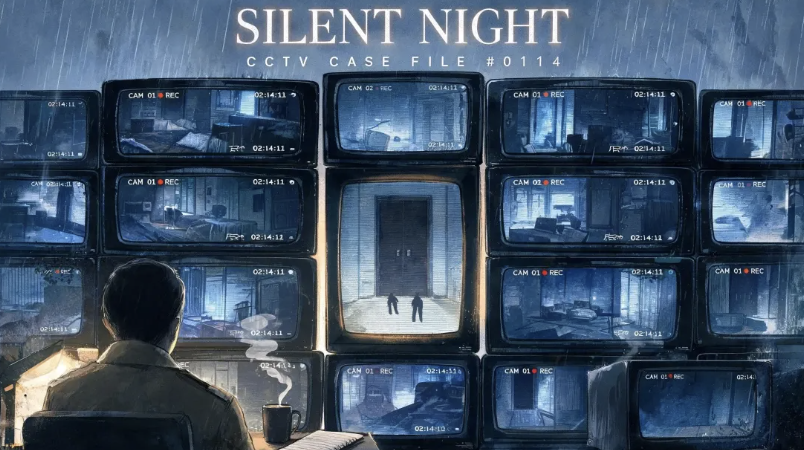
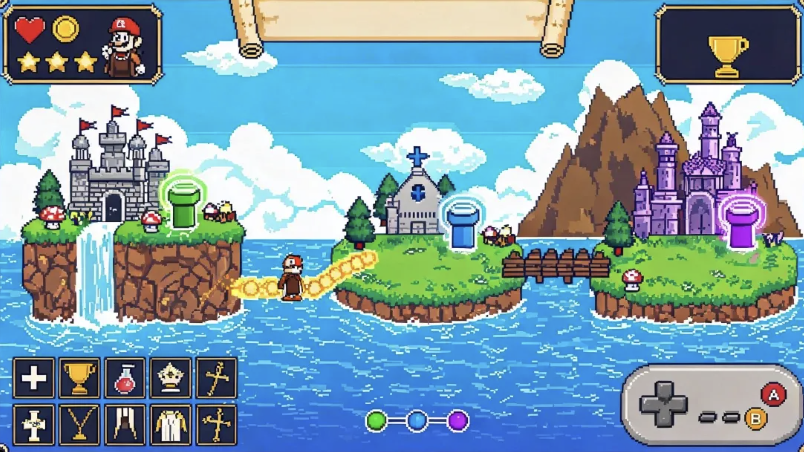
Turn your story ideas into interactive visual novels instantly.

Visual Novel Maker

Turn your premise into a playable story with Combos visual novel maker. This AI visual novel maker helps you start with a small scene and keep shaping it.

Try:
Create Games with AI
Generate Assets
From Prompt to Playable

What Is Visual Novel Maker?

Build Interactive Story Games with AI Simplicity.

An AI visual novel generator should give you more than a block of prose. With Combos, your brief guides a first version that brings dialogue, visual assets, and interaction into one project. Use the visual novel creator to test a focused idea first: one setting, a small cast, and a choice with a clear consequence. Expand only after the opening scene reads and plays the way you intend.


Core Power Features That Bring Novels to Life in Combos

Powerful AI tools for creating interactive story games easily.

Built‑In Visual Novel Template

Start from a built-in narrative template instead of a blank project. Use the visual novel maker to shape scene structure, dialogue flow and character placement around your own cast and setting. The initial setup gives you a concrete starting point; use the visual novel creator to add your content and refine the presentation as the story develops.

Start for Free

AI Narrative & Story Engine

Turn a premise into dialogue, plot ideas and branching choices with the AI visual novel generator. Describe each character’s role, what the player can choose, and how those choices should affect the story. Combos helps develop those elements within the same project, so you can rewrite conversations and extend routes while checking that the playable paths match your intended narrative.

Start for Free

AI Asset Generation

Combos can serve as both a visual novel character maker and a visual novel background maker: describe your cast, locations and visual direction in one project. Create the character visuals, backgrounds and UI elements your story needs, review the results in Assets, and reuse approved files across scenes. Refine outputs individually rather than assuming every generated image will match automatically.

Start for Free

Visual Novel Editor: Scene and Dialogue Refinement

Refine dialogue, character placement, backgrounds and scene flow in your existing project. Use this visual novel maker online to describe a specific adjustment and identify the parts you want to keep. Combos updates the project through conversation, and Preview lets you check the result in context. Continue refining individual scenes without starting a separate story project.

Start for Free

Build, Preview & Iteration

Combos combines generation, browser preview and revision in an easy visual novel maker. Play through scenes to review pacing, dialogue and visual presentation, then adjust the parts that need work. Test branching choices and endings after each meaningful change. If a revision takes the story in the wrong direction, use version reset to return to an earlier build and continue from there.

Start for Free

How to Use a Visual Novel Maker

An easy visual novel maker still needs a clear brief and a careful playtest.

Try Visual Novel Maker Free
  1. Sign in and describe the opening scene

    Open Creator on a desktop browser. Describe the characters, setting, tone, and first player choice. Select Plan Mode if you want to discuss the approach before building.

  2. Generate, playtest, and refine

    Review the generated dialogue, artwork, and controls in Preview. Try every choice. Tell Combos exactly what went wrong and the behavior you want instead; repeat until the scene is ready.

  3. Publish a version you have checked

    Review your title, cover, content, and publishing settings, then publish and open the shared game link. After later edits, confirm which version is live before sharing it again.

Visual Novel Maker for Different Types of Creators

FAOs about Visual Novel Maker

Start Your Visual Novel Today

Create stunning visual novels with AI — no code, no art, no limits.

Try Visual Novel Maker Free
Visual Novel Maker: Create Engaging Story Games Instantly with Combos