AI Game Agent
The AI game agent from Combos helps you develop a game—not play one for you.
Create Playable Worlds with an AI Game Agent
Turn your ideas into interactive game worlds with an AI game agent that builds your concepts to life automatically.
Idea-to-Game Agent
Bring a game concept into a playable project with the Combos AI game agent. Describe the core mechanic, controls and visual direction; code generation builds the gameplay logic from your brief. Choose optional Plan Mode to discuss the first version and review its scope before building, or start directly when your idea is clear. Continue shaping the project through conversation.
Try Combos NowFrom Prompts to Playable Assets
Bring your game’s visual direction into the same project as its gameplay. Combos supports asset generation for 2D character and prop art, scene images and 3D models. Review generated files in Assets, then reference existing outputs through My Assets to make asset reuse part of the workflow. Request specific replacements as the world develops, and check how they look in Preview rather than assuming every generated element will match.
Try Combos NowInstant Prototypes & Refinement
Turn an early design into something you can play, then shape the controls, game mechanics and visual assets through focused requests. Combos brings game prototyping and playtesting together in Preview. Describe what needs to change and what you want to keep; for AI-assisted debugging, include the problem and steps that reproduce it. Review each revised build, or use version reset to return to an earlier version with matching preview and assets.
Try Combos NowZero Code, Zero Barriers
Start creating with the Combos AI game agent without writing the first build’s code yourself. You describe the gameplay, setting and style, while Combos handles the initial implementation. Creative decisions stay with you: review the result and explain how it should change. This gives newcomers a practical route from an idea to a playable project.
Try Combos NowCreate Once, Share Anywhere
Once your game is polished to perfection, it's ready to be published and shared. You can easily publish your creation with just one click, and after the platform's operation review, your game will be accessible and shareable. Your personal game idea is no longer just a concept, but a real, playable experience for others to enjoy.
Try Combos NowHow to Use an AI Game Agent
Follow the steps below to turn your idea into a fully playable game with the Combos AI game agent.
Start Generation- Start with Your Idea or a Pre-built Template
Select an official template (Narrative Game, 2D Platform, 3D Platformer), or choose "Build from Scratch" for full creative freedom. Pre-built templates provide a ready-made core gameplay structure for quick development, while scratch mode lets you customize everything. Hover over a template and click "Try it Free" to create a new project, or "Play Sample" to experience the template's gameplay first.
- Align Demands with Boo to Form a GDD
Enter your game idea in the prompt box, including concept, gameplay style, and visual style. If your idea is incomplete, Boo will guide you step by step to confirm the "Theme Direction", "Gameplay Design," and "Visual Style". After all demands are confirmed, Boo will organize all your inputs into a clear and official Game Design Document (GDD).
- Let Boo Generate Assets and Deploy the Game
Review the GDD and click "Yes, let's build it" to start the process. Boo automatically generates all required game assets and game logic, then deploys a playable version for you. You can play, test, and refine your game within minutes—no coding required at all.
AI Game Agent Use Cases for Different Types of Creators
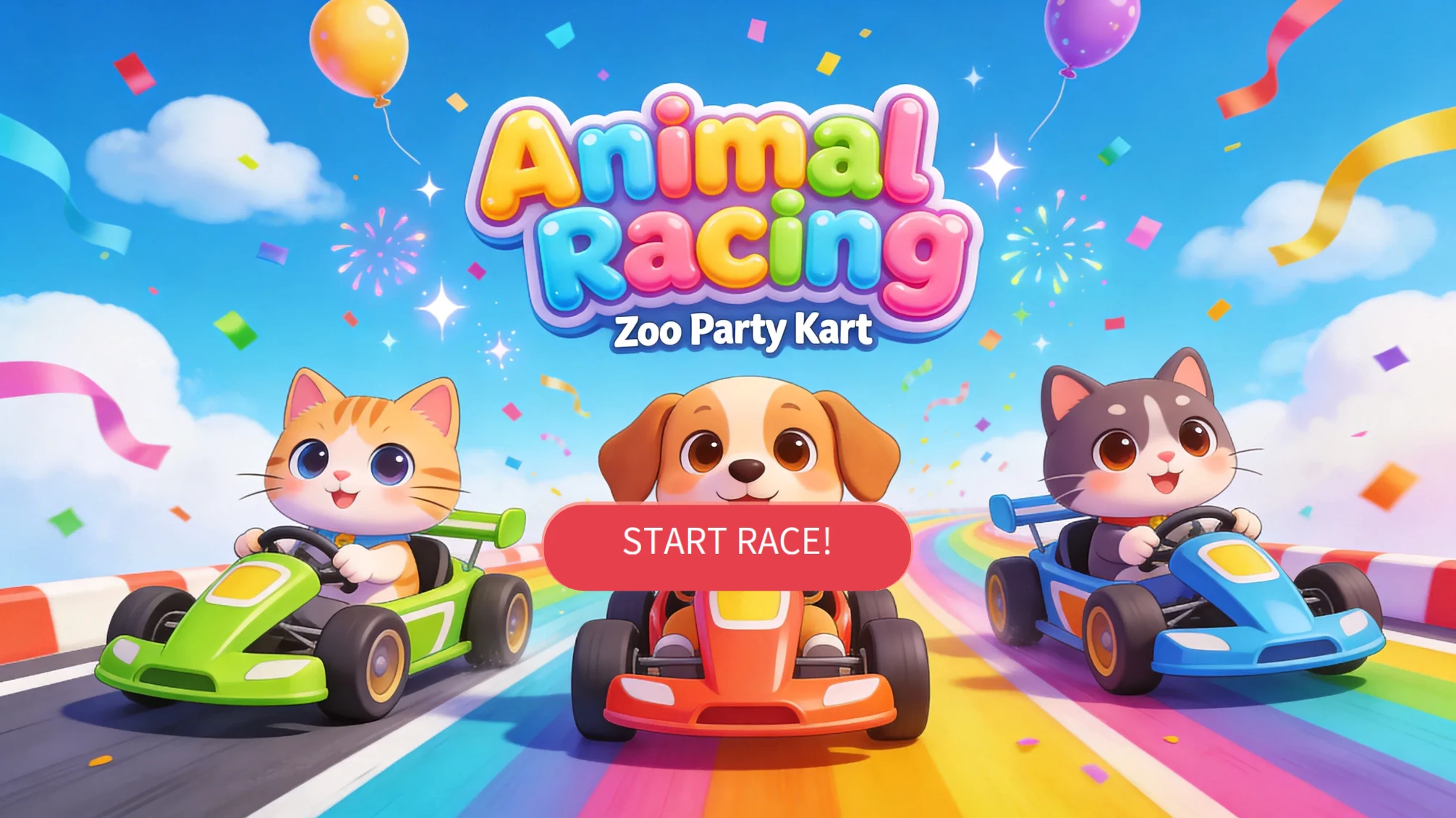
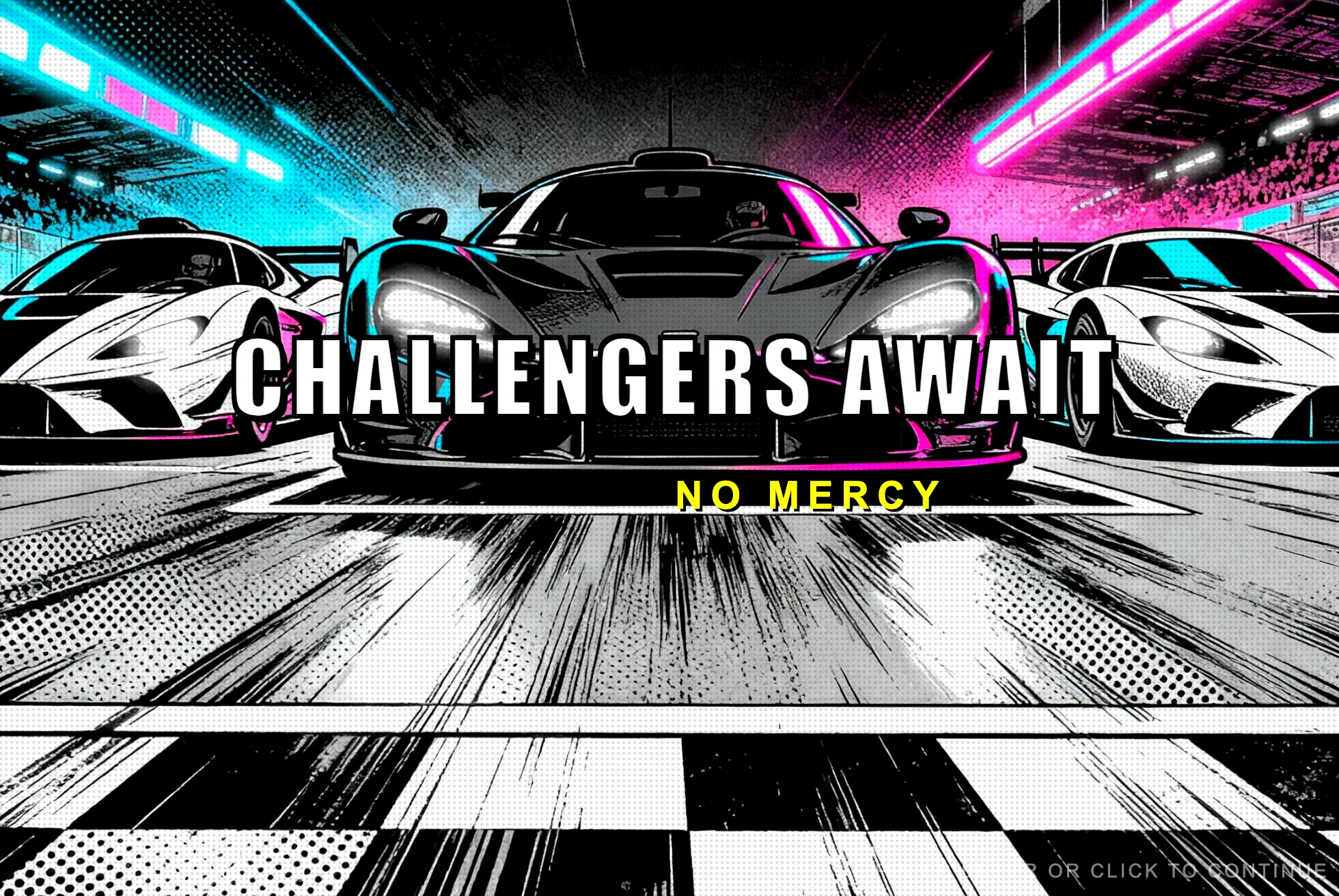
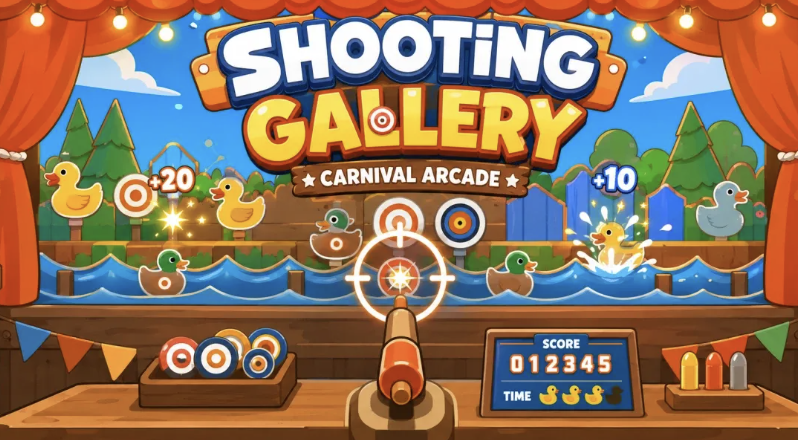
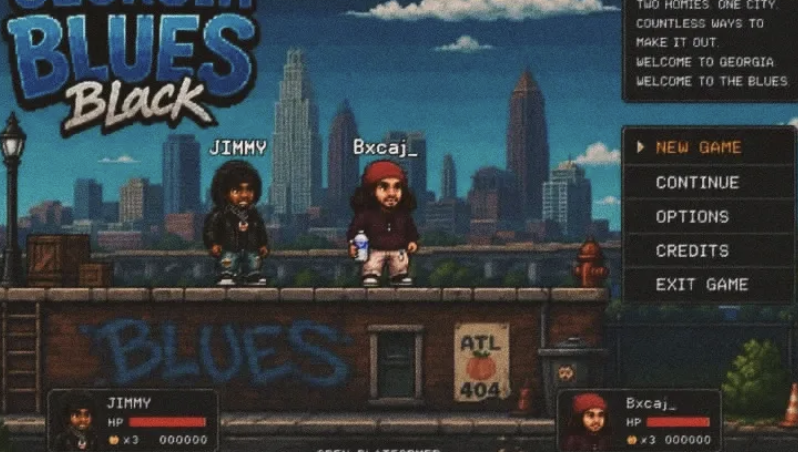
Real Games Built by the Combos Community
Playable games created by the community, from idea to launch.