


AI Games for Students Start With One Prompt
Type your topic and let Combos create a playable game around it. Edit the logic, art, and rules afterward without touching a single line of code.
Create Games for Students in Combos
Built for people who don't have three hours to spare everyday
Instant Game Logic Generation
When it comes time to create AI games for students, most teachers and students get stuck at the stage for defining rules. By this we mean how points are earned, what happens on a wrong answer, and when a level ends. These are just a few scenarios when it comes to setting AI based games for students rules. Combos completely eliminates this and writes the game logic from your prompt instructions. You just describe your idea in plain language without having to worry what the code should look like.
Create AI games for students nowZero-Code Visual Editor
Combos creates AI games for students in which you can easily drag, resize, and restyle every element created, including characters, backgrounds, buttons, and scoring displays, without opening a code editor. And this means that you can complete your project without abandoning it halfway, even if you don't know coding. Many AI study game maker free platforms still expect you to have some familiarity with logic blocks or conditional statements, Combos doesn't. You point, click, and adjust.
Create AI games for students nowCurriculum-Aware Content Import
With Combos, you can paste class notes, a reading list, or even a rough routine in the prompt area. The platform then automatically restructures the materials into quiz questions, matching pairs, or challenge levels. It reads and understands the context you want your online AI games for students to have. It doesn't create generic filler content for your game. This saves you prep time and gives students review materials built around the learning curriculum.
Create AI games for students nowOne-Click Publish and Share
Create games for students and deploy them immediately in Combos. Once your game is completed, you don't need an external export pipeline. Combos generates a link you can share instantly with your students immediately. You can complete the process of building the game into a finished product in minutes. What makes Combos unique is that there is no app store approval needed, download required, or a separate hosting setup.
Create AI games for students nowBuilt-In Progress and Grading Insights
Building AI games for students means that you should be able to track how players move through them, where they get stuck, which questions they fail, and how long a level takes to be completed on average. Combos builds AI based games for students with these capabilities built in game logic. It ensures you create a genuine informative tool that you can use to gauge the progress of your students. This capability is not usually available on most AI study game maker free platforms.
Create AI games for students nowHow to Create Online AI Games for Students
Follow these three steps to create games for students in Combos.
Start creating AI games for students- Write your game prompt
Write a detailed description of your game. Mention how it is played, how it works, number of levels, time allocated for each level, and what happens if a student fails a level. Make sure you provide as much information as possible. If possible, upload your curriculum so that the AI tool understands the context for the game. Then click generate button.
- Review the plan created in Combos
Once you hit the generate button, Combos will start analyzing your instructions and provide you with a plan that it will use to create games for students. Review this plan, and if everything is okay click continue. However, if you notice it's not accurate, edit it and make sure it aligns with your project.
- Publish and share the generated game with students
After the generation process is complete, try playing the game and check if the logic holds and if it can help you achieve your objectives. If everything is okay, click the publish button and Combos will create a link you can share with your students. If not, review and rectify using the prompt to ensure everything is perfect. This is how simple and easy it is to create AI games for students in Combos.
AI Study Game Maker Free Platform Use Cases
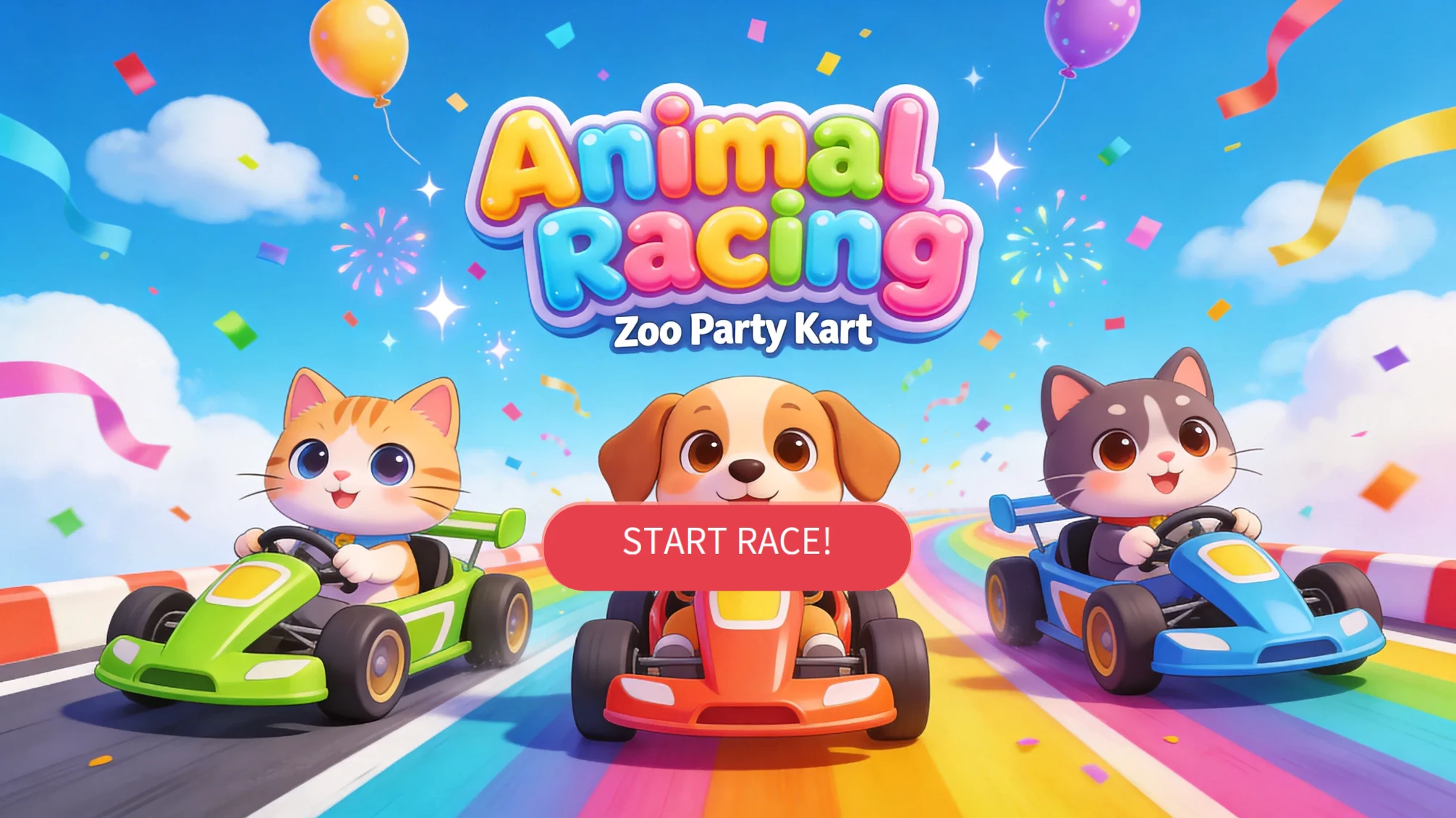
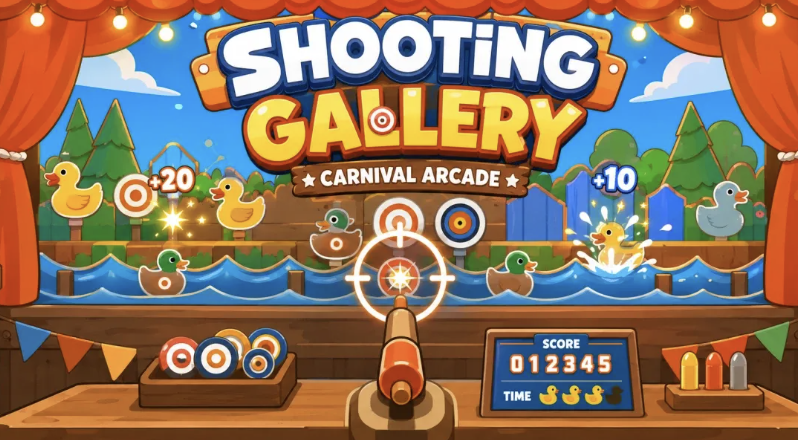
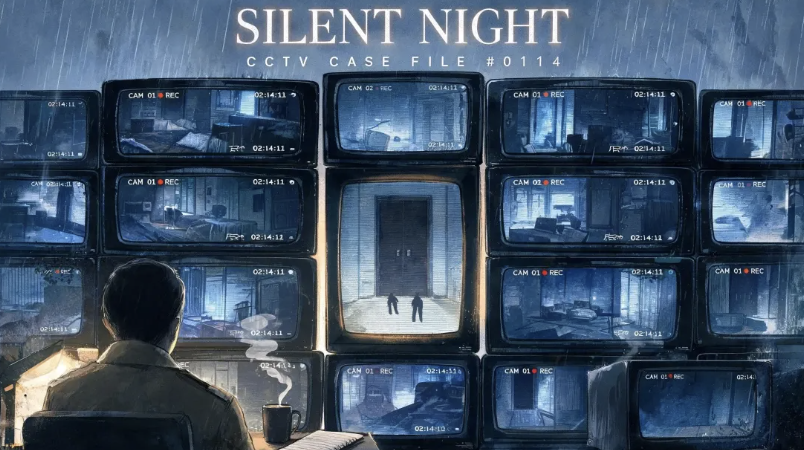
Real Games Built by the Combos Community
Playable games created by the community, from idea to launch.







Keep Exploring Combos and AI Game Creation Tools
Get answers to frequently asked questions about how to create games for students
Your Next Study Game Is One Prompt Away
No installs, no coding tutorials, no waiting on approval. Describe your idea and Combos builds it with you, live, right in the browser.
Start Generation