


Prompt Your Retro World Into Being with an AI Pixel Game Creator
Stop messing around with complicated engine setups and manual tile mapping. Type what you want, hit generate, and watch Combos pixel game creator assemble sprites, tilemaps, and core gameplay mechanics directly in your browser.
Powerful Pixel Video Game Creator
Purpose-built tools for creating high-performance 2D games from simple text prompts
Natural Language Tilemap & World Generation
During game design repetitive tasks, such as slicing sprite sheets and manually placing hundreds of environment tiles, turns this exciting process into an exhausting project. You spend countless hours just setting up autotiling rules and collision boundaries before even testing a level layout. Combos pixel art game creator allows you to create collision-mapped retro levels within seconds from simple text prompts. The platform automatically selects matching ground textures, places decorative elements, and configures physical barriers without broken seams or mismatched art styles. You have complete control over the results and you can edit manually tile placements or re-prompt specific selections.
Try our pixel game creatorGenerative Pixel Art Sprite Slicing & Animation
Many independent creators find it hard to find or create consistent pixel art assets. They either hire external artists, which is usually expensive, or use generic asset packs which results in visual mismatch. Combos pixel video game creator gives you access to modern asset creation tools. You simply describe your character and the platform creates complete styled sprite sheets with walk, cycles, frames, and idle states. It also handles color palette consistency, frame rate timing, and transparent background slicing. Also, you have total control of your assets and you can refine sprite keyframes visually or request for color changes using simple text prompts.
Try our pixel game creatorVisual Behavior Graph & Agentic AI Logic
Using traditional game design platforms you must understand C# or C++ coding languages to script complex enemy behaviors, item interactions, and quest logic. And in this pipeline, a single code error can halt your entire process and you have to manually read through each piece of code to identify the one bringing about the issues. Combos pixel game creator online platform eliminates these errors by pairing your design instructions with autonomous agentic AI assistants. You simply describe what you want an object or enemy to do and the tool builds the underlying logic graph. You can also tweak mechanics by just providing instructions about what you need changed and how you need it. Our pixel video game creator gives you a proper balance between architectural freedom and instant execution, allowing even people who don't know coding to be game designers.
Try our pixel game creatorDynamic Retro Audio & Chiptune Generator
In Indie game development, sound design is usually an afterthought because of licensing issues and musical software steep learning curves. However, any video game player can tell you that sound is a critical part, especially for player engagement. Combos pixelated game creator has an audio synthesizer that provides classic soundscapes. This means you don't have to run through hundreds of stock audio libraries for royalty-free tracks. In Combos, you just prompt your custom sound and the platform creates this in your game build. It ensures that every audio cue matches your game perfectly.
Try our pixel game creatorInstant Web Deployment & One-Click Publishing
The process of distributing games usually involves configuring cross-compilers, managing build artifacts, and setting up web hosting environments. This process usually delays releases and turns distribution into a frustrating ordeal. Combos pixel game creator online platform fixes these pain points completely through instant web publishing. Once you complete building your project, you simply click a single button and your game goes live. You are also given a shareable link instantly to share with your target audience.
Try our pixel game creatorHow to Build Your First Title with Combos Pixel Game Creator
Follow these three steps to build your retro, 8-bit, or 16-bit style games using our pixelated game creator:
Start generation- Describe Your Game Concept
Write your game concept instructions. Make sure these instructions include the game genre, rules, mechanics, and style. The more detailed your prompt is, the more accurate the platform creates your game. The platform uses these instructions to design the logic flows, user interface layout, and game architecture. It also writes the under the hood code from this prompt, meaning you don't have to write any single code. Once everything is clear, click the generate button.
- Review the Game Creation Plan
Once you click generate, our pixel video game creator starts processing the instructions. It usually provides follow up questions on instructions that are not clear and provides the game creation plan. Answer these questions and review the plan by clicking accept. Then the platform goes straight ahead and starts processing the game.
- Review the Created Game and Publish
After the game creation process is complete, you have the chance to test by playing it inside the platform. Test the game mechanics, display, colors, motion, sound, and any other important details. If you notice any issues, you can easily revise/edit them using text prompts also. Once everything is okay, click the publish button. Combos automatically give you a shareable link that you can send to your friends and target players to play the game.
Combos Pixel Game Creator Use Cases
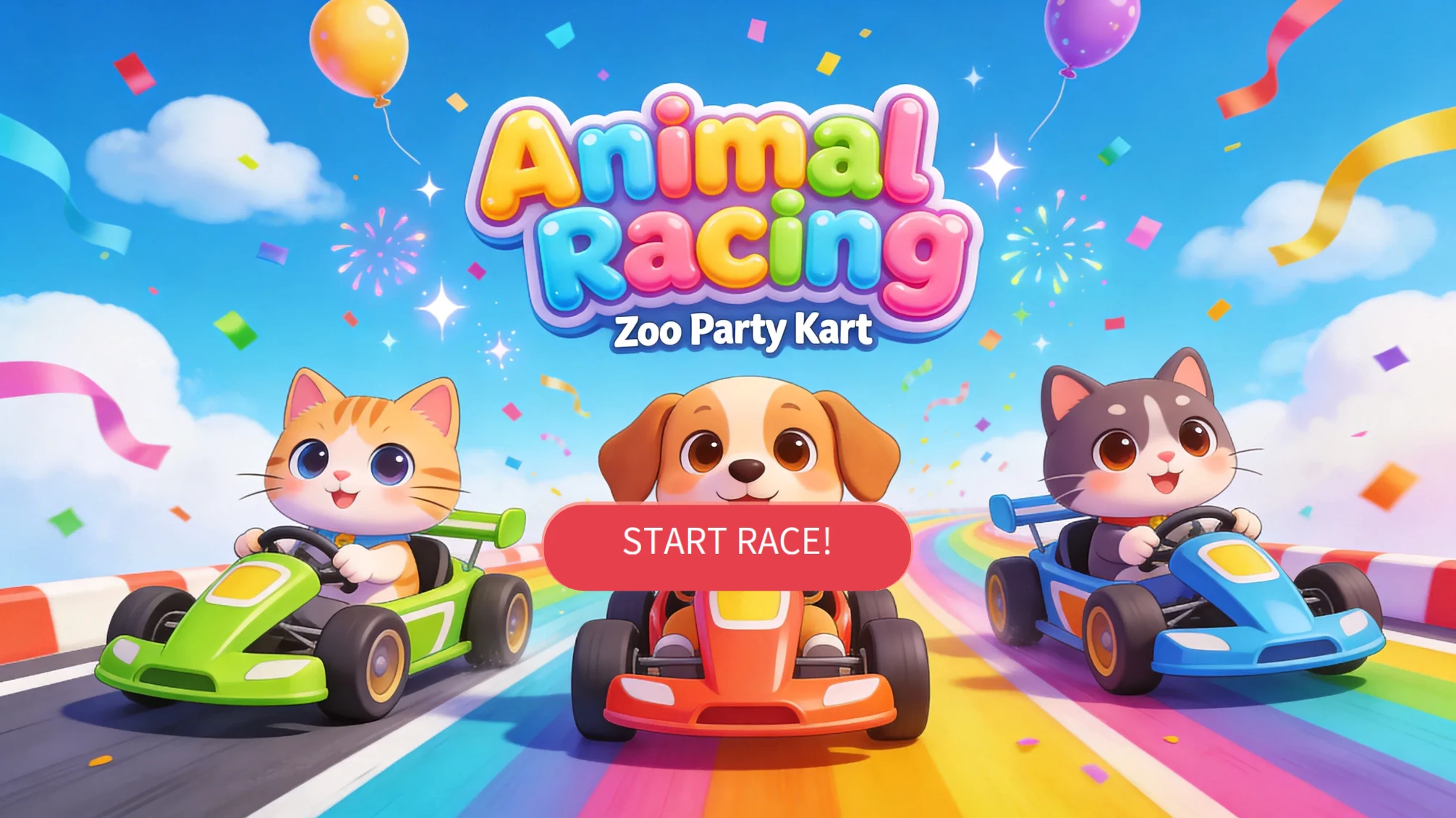
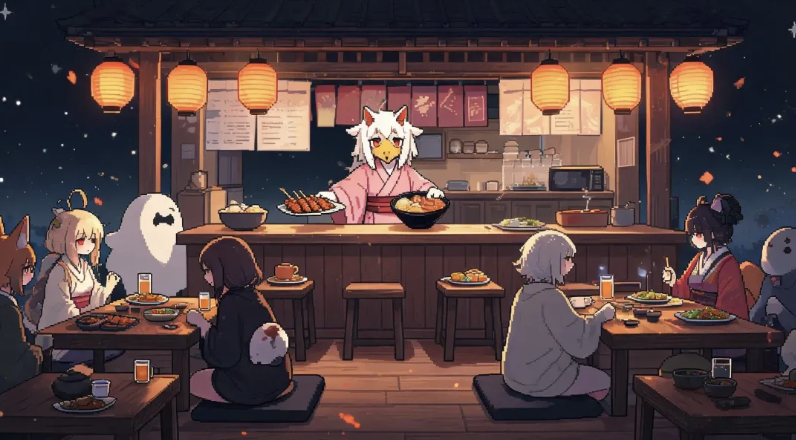
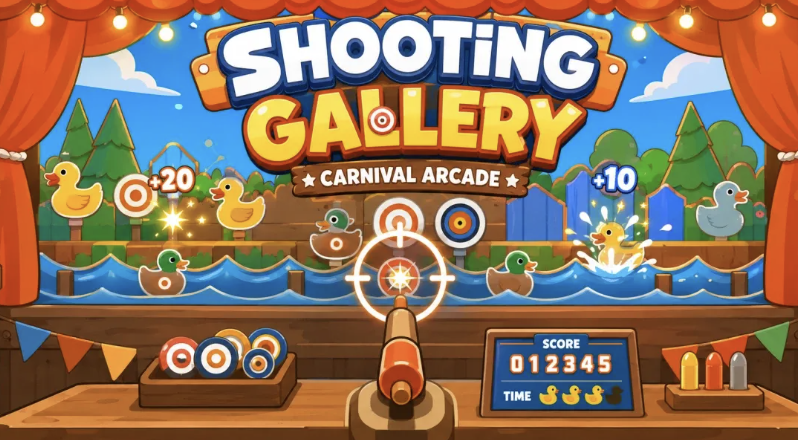
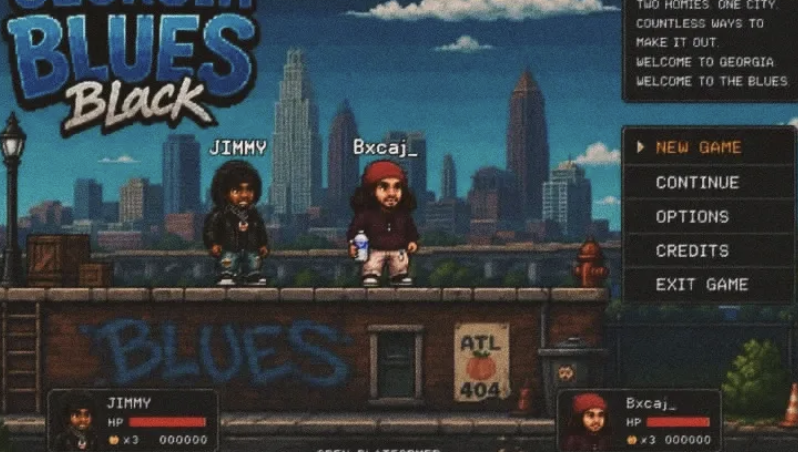
Real Games Built by the Combos Community
Playable games created by the community, from idea to launch.






Explore Resources and Game Design Guides
Pixel Game Creator Frequently Asked Questions
Start Building Retro Games in Your Browser Today
Bring your ideas to life using Combos pixel game creator
Start Your First Build