/

Vibe Coding Game

Your idea gives Combos a place to start. You describe what the player does, then play the first version. Vibe coding a game also means checking the result and asking for changes where needed.

Try:
Create Games with AI
Generate Assets
From Prompt to Playable

What is the vibe coding game?

You describe the game, and AI helps build it. You then play the result and decide what needs to change.

Vibe coding for game development uses plain language to guide AI-generated code and game content. It is a way of working, not a game genre. In Combos, you describe a rule, generate assets, and play the build in your browser. Vibe coding a video game still needs clear rules and tests. A prompt may leave out an action or produce a level that feels wrong. Vibe coding game development involves checking the first version and asking for a clear change.

Why Choose Combos for the Vibe Coding Game?

Here's why Combos is the perfect platform for creating vibe coding games.

An Idea-First Workflow

Your first prompt should explain the player goal. When vibe coding a game, you tell Combos what the player can do, what blocks their way, and how the game should look. Plan Mode is optional. You can turn it on to review a plan before building. A detailed spec for vibe coding a game makes these choices clear. Chat lets you change the supported prototype without writing the code yourself.

Create for Free

Assets and Templates That Fit Your Direction

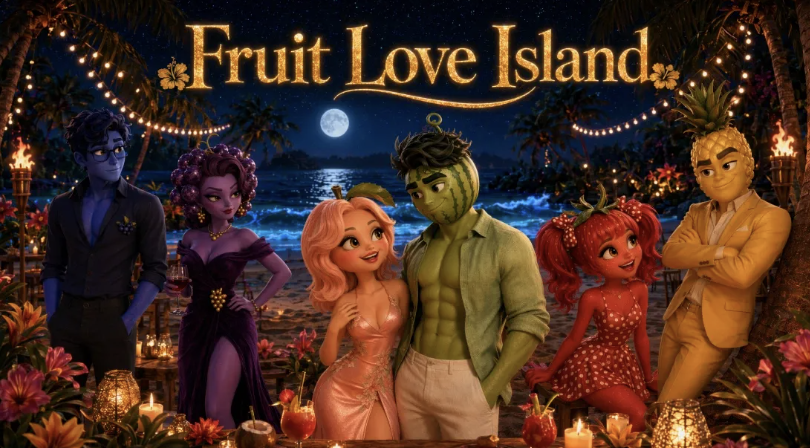
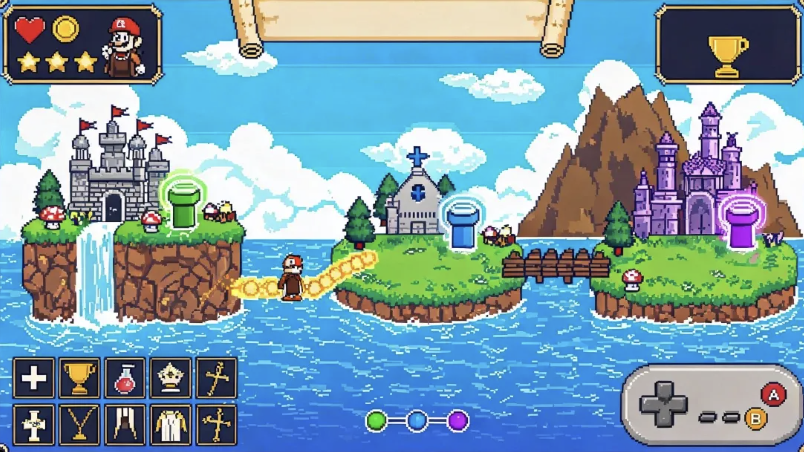
You can choose a supported narrative, 2D platformer, or 3D platformer template. You can also describe your own idea. Combos generates assets based on the style you request. For a vibe coding 3D game, your prompt should cover the scene, objects, and movement. Vibe coding a video game brings the art and rules into the same build. You still need to check whether they fit together.

Create for Free

From First Build to a Shareable Link

The browser lets you play the current version. You can describe what needs to change. Pick-to-edit (Beta) lets you click an element in the preview and request an edit. During vibe coding game prototyping, one change at a time is easier to test. Publish gives you a link when you want feedback. You can share a vibe coding game online for playtests. This does not mean you get a native app export.

Create for Free

A Starting Point for Different Creators

A student may want to test a jump. A hobbyist may have a short story in mind. An indie developer may want to try a new rule. Vibe coding for game development gives each idea a first version to play. Combos supports this early work within its available features. Vibe coding game prototyping helps you gather feedback. It does not mean a larger game is ready for production.

Create for Free

How to Create a Vibe Coding Game in Three Steps

A small first test is easier to review. Vibe coding game development also needs a clear goal for the player.

Create for Free
  1. Define the Idea and Review the Plan

    The Create page lets you choose a supported template, such as 3D Platformer. You can also enter your own idea. Your prompt should explain the goal, controls, main rule, and art style. A detailed spec for vibe coding a game can say what happens when the player wins or loses. Plan Mode lets you check a plan first. You can also leave it off and start with a first build.

  2. Generate, Play, and Refine

    Combos makes a first build and assets from your request. You can play it in the preview and check the controls and goal. Chat lets you ask for changes. Pick-to-edit (Beta) lets you select an element and describe an edit. In a vibe coding 3D game prototype, you should test movement and the camera before adding more detail.

  3. Publish and Gather Feedback

    Publish creates a link when the build is ready for another player. You can share your vibe coding game online and ask about one part, such as the first challenge. A vibe coding mobile game needs tests on the target device. You should check its touch controls and screen layout. You create the project on a computer. A mobile target does not mean you can create the game on every phone.

Vibe Coding for Game Development at Different Skill Levels

Start Your Vibe Coding Game Journey Now

Create and play your own games instantly — no coding required.

Create for Free

FAQs about Vibe Coding Game