


Powerful Image to Game Generator
Stop coding boilerplate assets and start prompting using our image to game AI generator
Advanced Image to Game Online engine
Completely transform image to game online without coding
Automated Logic Parsing
It's a difficult and time consuming process to convert static drawing into functional mechanics. The process requires custom scripting and manual collision mapping. In these traditional pipelines you get stuck debugging physics layers instead of refining gameplay loops. Combos is an image to game AI tool that provides automated logic parsing engine. It analyzes structural outlines within your upload to detect barriers, ground planes, and interactive nodes automatically and strips out the technical debt of manual rigid-body setup by instantiating raw gameplay code directly from your visual assets. This provides functional game loops within seconds.
Try our image to game generatorNeural Asset Segmentation
Manually slicing sprite sheets and formatting individual components for your game engine is a time wasting process. Adding a composite image to your project means that you have to separate the characters you need from background elements manually also. Combos image to game generator gives you neural asset segmentation you can use to eliminate these pain points. Combos’ integrated image to game character converter isolates moving actors, environmental backgrounds, and user interface modules from a single canvas layout. It also extracts individual assets, cleans transparent edges, and structures them into optimized atlases, ensuring raw character concept sheets are production ready instantly.
Try our image to game generatorUniversal Logic Compilation
You need deep architectural knowledge of complex game frameworks to connect unique graphic styles to cross-platform code. In most situations, independent creators usually compromise on their unique visual art style because it’s difficult to hardcode specific mechanics for custom characters. Combos universal logic compilation maps visual traits directly to responsive web architecture controls. It analyzes your custom image to game character files and immediately creates interaction states, including directional walk cycles, idle animations, and hitboxes. This image to game character converter ensures your custom art behaves like a native video game entity right out of the box.
Try our image to game generatorLive Sheet Vectorization
Scaling rasterized graphics across different screen resolutions usually results in the loss of pixel clarity. This is because the rendering engines usually stretch the assets unnaturally which forces developers to manually rebuild low-resolution textures into vectors. Combos image to game AI engine provides a live sheet vectorization to fix this pain point. Once you add your artwork, the image to game sprite system processes rasterized textures into highly scalable, mathematical vector assets. The platform preserves sharp edge definitions, micro-details, and authentic color palettes across every device display, including mobile, desktops, and tablets.
Try our image to game generatorDirect Web Deployment
Once you build your game, you must deploy it for your target players to actually play it. Many image to game free platforms prevent you from publishing your game until you subscribe to a paid plan. Also, some platforms require you to configure SDKs and pay for external premium cloud hosting services. Combos image to game converter gives you direct web deployment capabilities. It packages your generated game assets and logic into a standard, lightweight web architecture configuration hosted on our edge network. Once your game design is complete, you just publish it and you get a shareable URL immediately.
Try our image to game generatorHow to Build Interactive Projects Using Our Image to Game Free Platform
Follow this three-step process to successfully convert image to game online for free
Start generation- Upload your images and write your game prompt
Create your folder of images you want to build your game around. Head to Combos and upload these assets and then write your instructions for the image to game converter. Provide as much information as possible to ensure the AI platform understands the game context, what each image is, how the different elements interact, and how many levels you need in your game. Then click the generate button.
- Review the plan created in Combos
After clicking the generate button, Combos image to game AI tool analyzes your instructions and provides an implementation plan. It breaks down how it intends to build the game and asks you a few questions to further understand your game instructions. Review this plan and click accept and also answer any questions the platform provides.
- Publish and share the generated game with students
The amount of time Combos image to game generator takes to process the instructions and provide a playable asset depends on how complex the game is. Once it finishes processing, the platform gives you an opportunity to test the generated game. If you notice any issues, you can request the platform to fix them using text prompts. You can request as many revisions you need until you are satisfied with the end product. If everything is okay, click the publish button to make it playable by your target audience. Combos image to game online platform usually provide a link you can share, copy this and send it to your friends to enjoy the game.
Combos Image to Game AI Use Cases
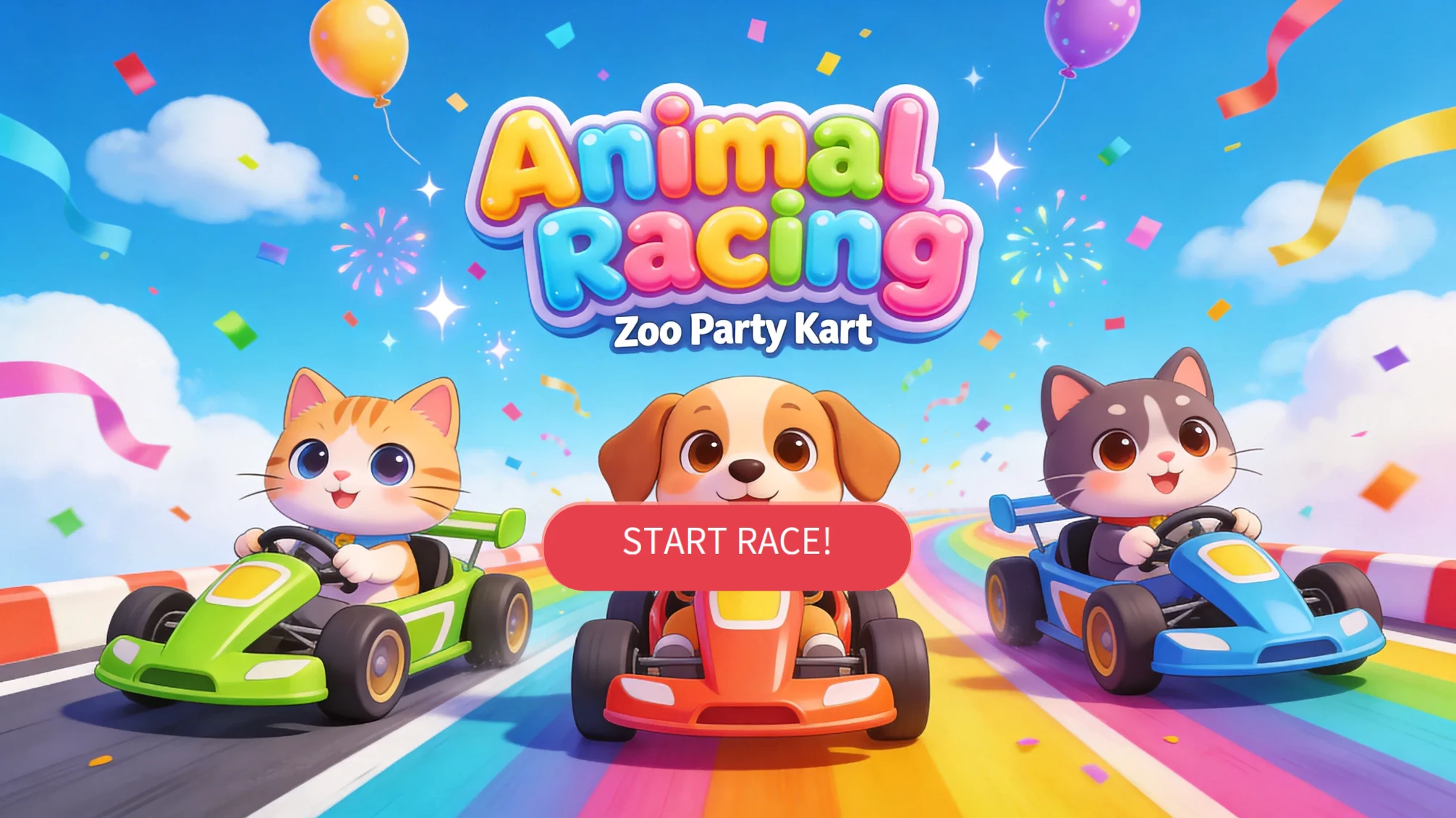
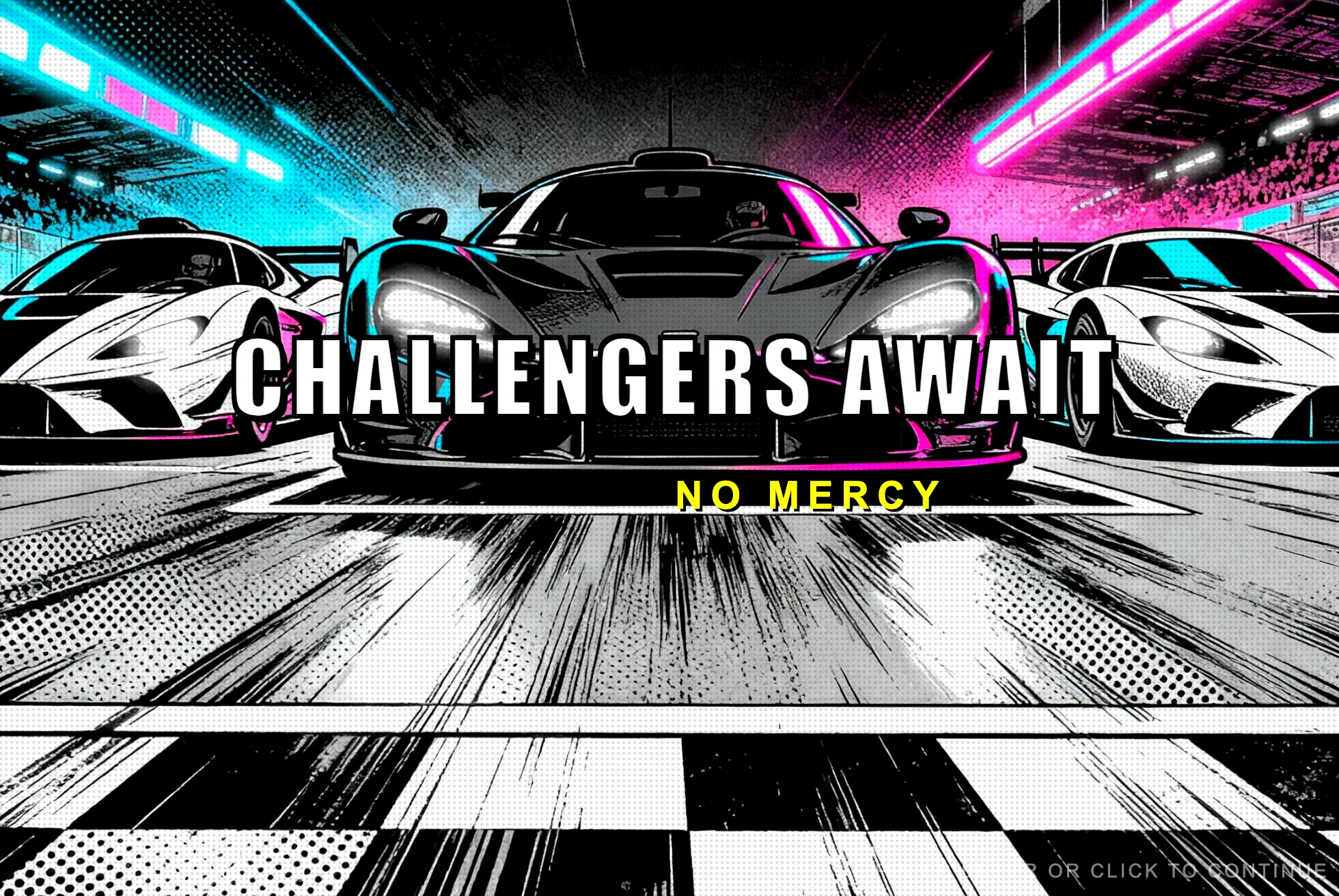
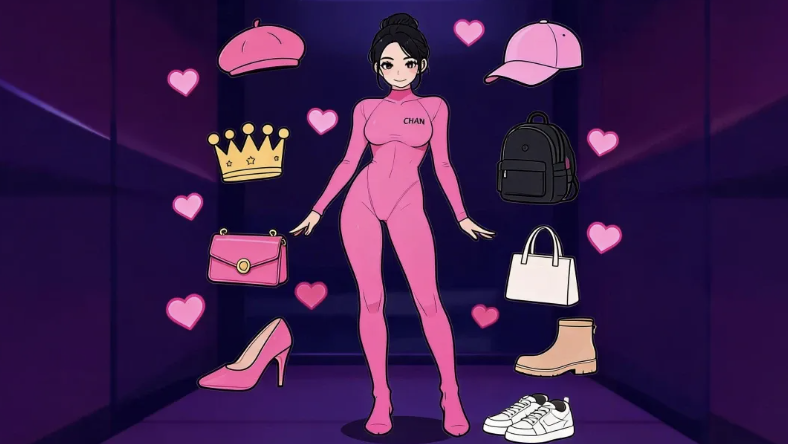
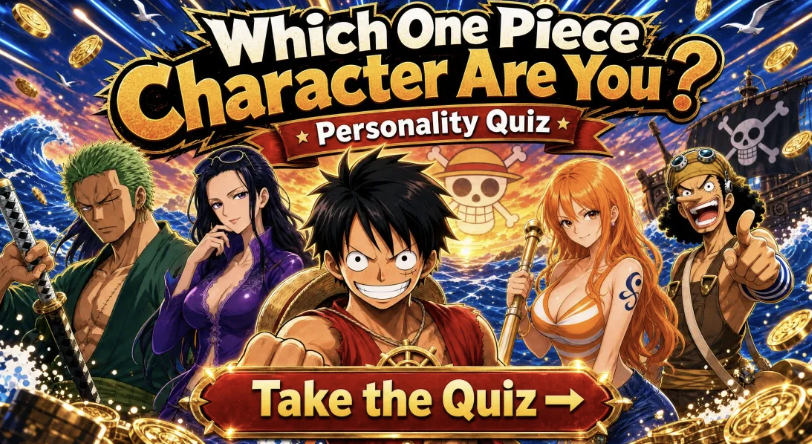
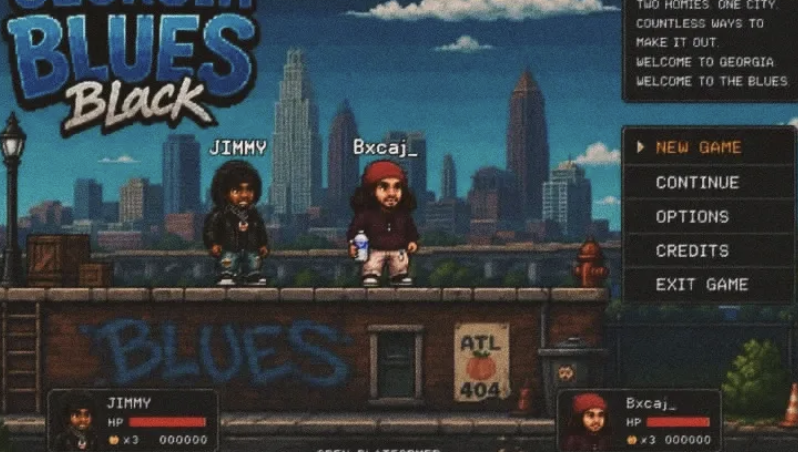
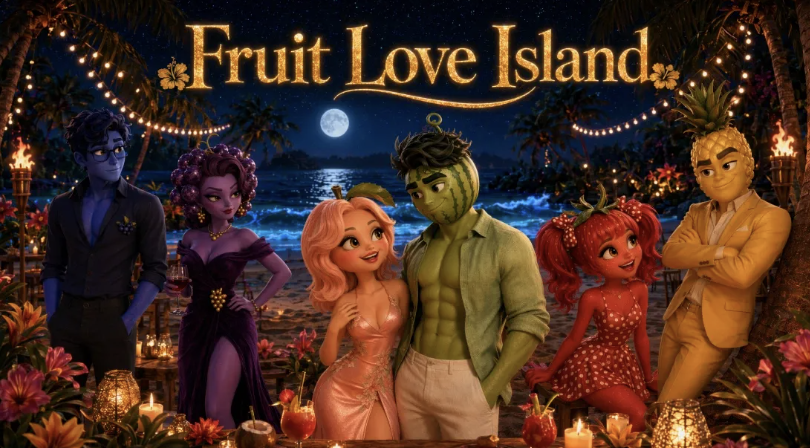
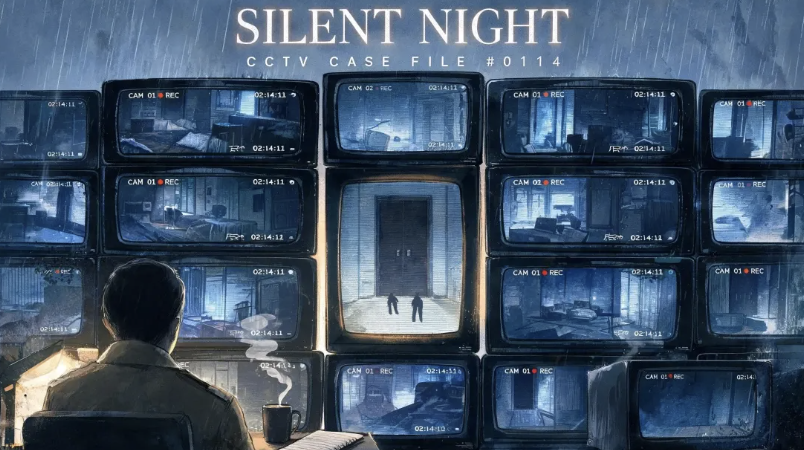
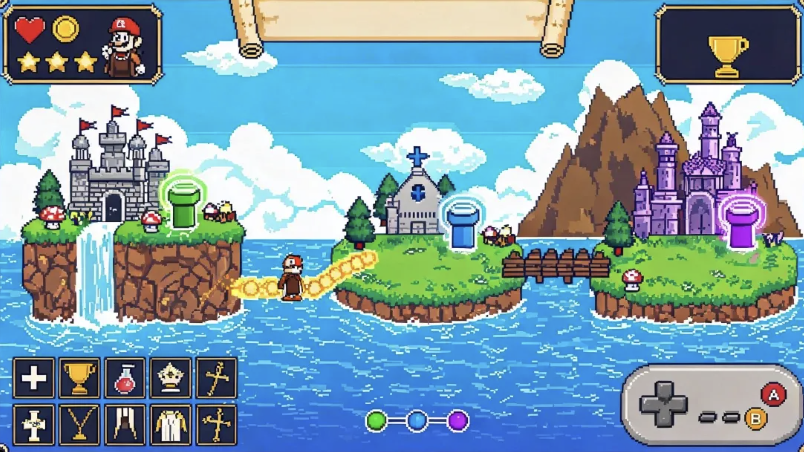
Real Games Built by the Combos Community
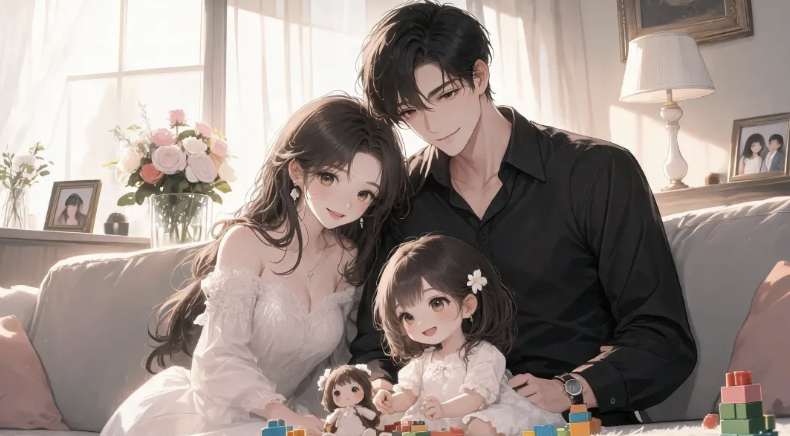
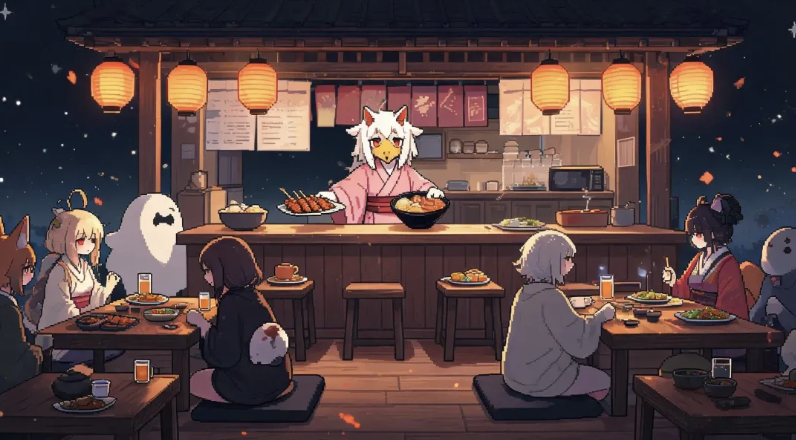
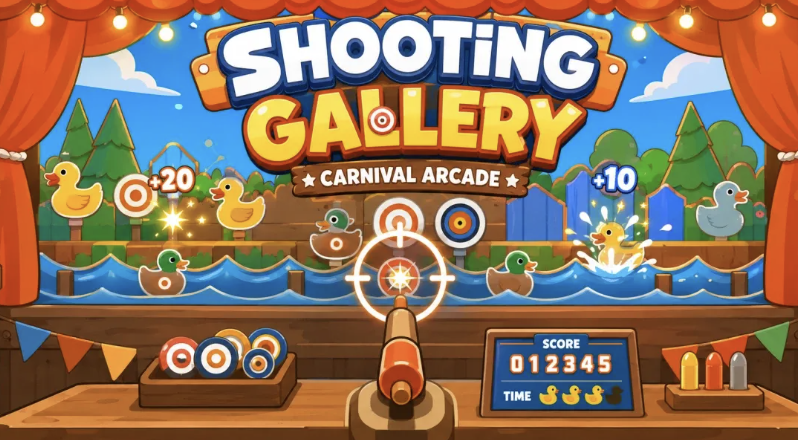
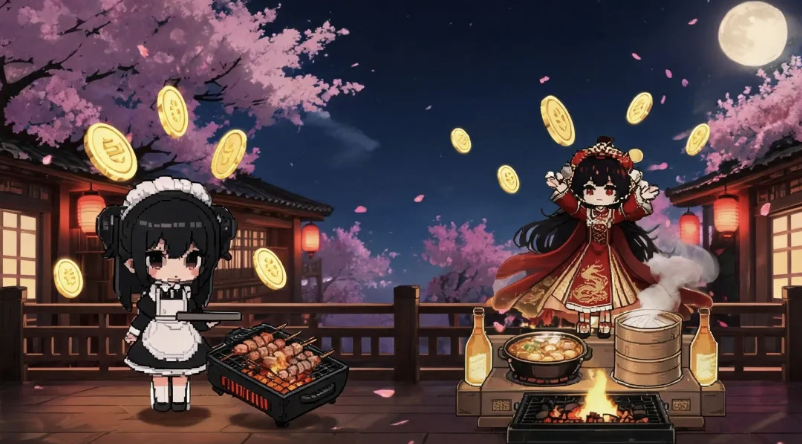
Playable games created by the community, from idea to launch.
Master Our Image to Game Asset Pipeline With Official Resources
Frequently Asked Questions
Start building your custom image to game projects today
Eliminate technical friction entirely by converting flat concepts into production-ready web deployments with our powerful no-code engine.
Start Your First Build